
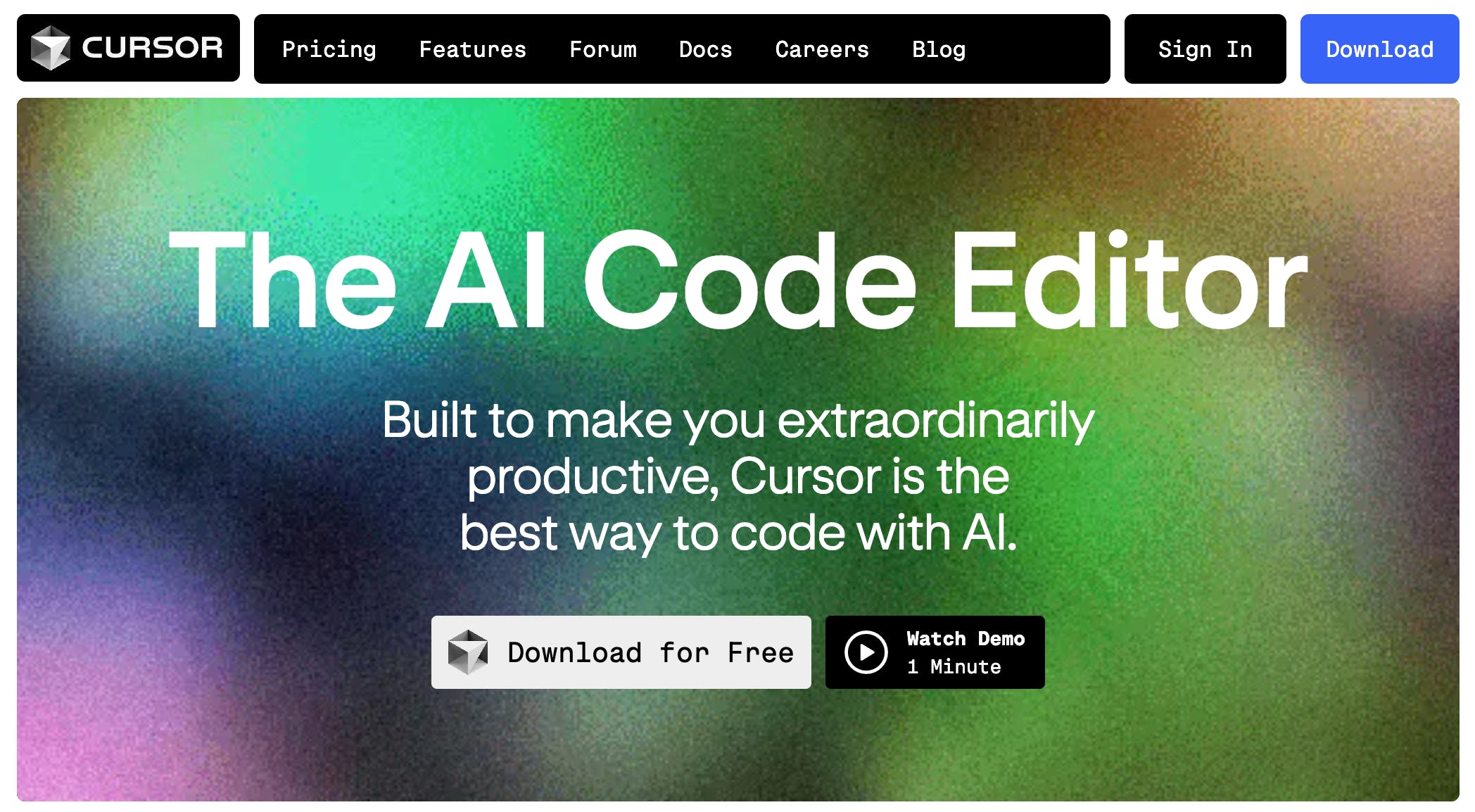
Discover Cursor- Your AI-Powered Coding Assistant
In the rapidly evolving landscape of technology, productivity tools are essential for developers and content creators alike. One such tool that has gained significant attention is Cursor. Designed to enhance coding efficiency, Cursor integrates artificial intelligence to streamline the coding process. This article explores what Cursor is, how it works, and why it stands out as a premier choice for developers seeking to boost their productivity.
Understanding Cursor
Cursor is an innovative coding assistant that leverages AI to assist developers in writing code more efficiently. By providing real-time suggestions, code completions, and debugging assistance, Cursor aims to reduce the time spent on repetitive tasks, allowing developers to focus on more complex problems.
Key Features of Cursor
- AI-Powered Code Suggestions: Cursor analyzes the context of your code and offers relevant suggestions, making it easier to write code quickly and accurately.
- Real-Time Collaboration: With Cursor, multiple users can collaborate on a project simultaneously, enhancing teamwork and productivity.
- Integrated Debugging Tools: The platform includes built-in debugging features that help identify and resolve issues in your code without switching between different tools.
- Customizable Environment: Users can tailor the Cursor interface to suit their preferences, ensuring a comfortable coding experience.
How Cursor Enhances Productivity
Cursor is built with the primary goal of making developers extraordinarily productive. Here’s how it achieves this:
Streamlined Coding Process
By providing intelligent code suggestions, Cursor minimizes the need for extensive manual coding. This feature not only speeds up the coding process but also reduces the likelihood of errors, as the AI suggests best practices and common patterns.
Improved Focus on Complex Tasks
With Cursor handling routine coding tasks, developers can dedicate more time to solving complex problems and innovating new features. This shift in focus can lead to higher quality code and more robust applications.
Enhanced Learning Opportunities
For novice developers, Cursor serves as an educational tool. By observing the AI’s suggestions and understanding the reasoning behind them, users can learn coding best practices and improve their skills over time.
Why Choose Cursor Over Other Coding Tools?
While there are numerous coding tools available, Cursor distinguishes itself through its unique features and user-centric design. Here are some reasons why developers prefer Cursor:
User-Friendly Interface
Cursor boasts an intuitive interface that is easy to navigate, making it accessible for both beginners and experienced developers. The learning curve is minimal, allowing users to start coding effectively right away.
Versatile Language Support
Cursor supports a wide range of programming languages, including Python, JavaScript, Java, and more. This versatility makes it suitable for various projects, whether you are developing web applications, mobile apps, or data analysis scripts.
Community and Support
Cursor has a growing community of users who share tips, tricks, and resources. Additionally, the support team is responsive and helpful, ensuring that users can resolve any issues quickly.
Getting Started with Cursor
To begin using Cursor, follow these simple steps:
- Sign Up: Create an account on the Cursor website.
- Download the Application: Install the Cursor application on your device.
- Set Up Your Environment: Customize the interface and settings to match your coding preferences.
- Start Coding: Begin your coding journey with the assistance of Cursor’s AI features.
Frequently Asked Questions
What programming languages does Cursor support?
Cursor supports a variety of programming languages, including Python, JavaScript, Java, C++, and more. This wide range allows developers to use Cursor for different types of projects.
Is Cursor suitable for beginners?
Yes, Cursor is designed to be user-friendly, making it an excellent choice for beginners. The AI suggestions can help new developers learn coding best practices while they work.
Can I collaborate with others using Cursor?
Absolutely! Cursor offers real-time collaboration features, allowing multiple users to work on the same project simultaneously.
How does Cursor improve coding efficiency?
Cursor enhances coding efficiency by providing intelligent code suggestions, reducing the time spent on repetitive tasks, and allowing developers to focus on more complex problems.
Final Thoughts
Cursor is more than just a coding tool; it is a productivity enhancer that empowers developers to work smarter, not harder. By integrating AI into the coding process, Cursor transforms the way developers approach their work, making coding more efficient and enjoyable.
